
RavensPort
Give each AI agent its own MCP endpoint, pooling the servers you choose and exposing only the tools you allow, with OAuth handled for you.
winget install RavensPort
Windows 10 and 11. Free and open source under the MIT licence.
The problem
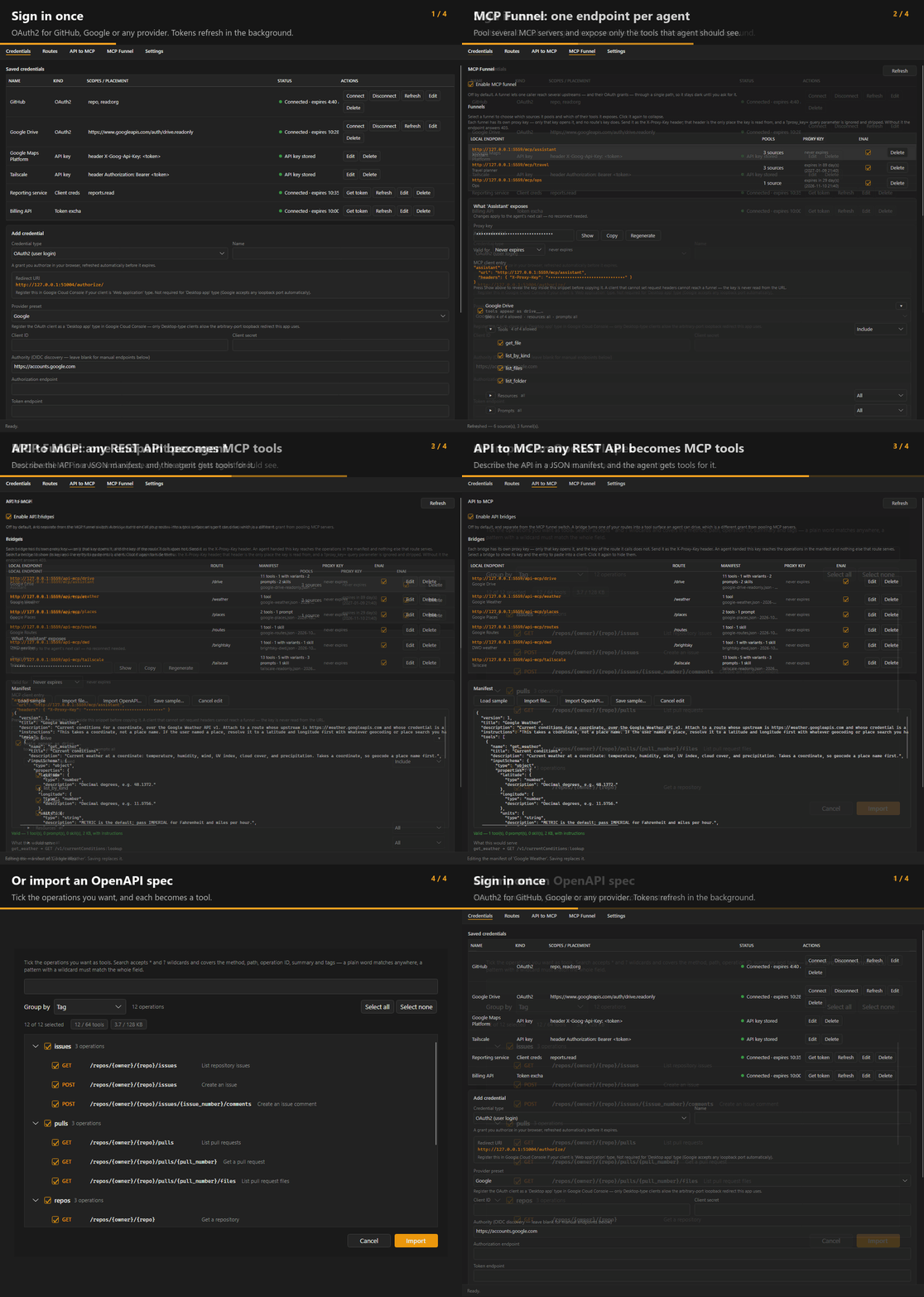
MCP servers are increasingly behind OAuth2, but most MCP clients expect a bare HTTP endpoint with no auth story. Connect three servers and your agent sees all ninety of their tools, with no way to say "this agent gets these six". And the system you actually wanted it to reach often has no MCP server at all, just the REST API it has always had.
Routes
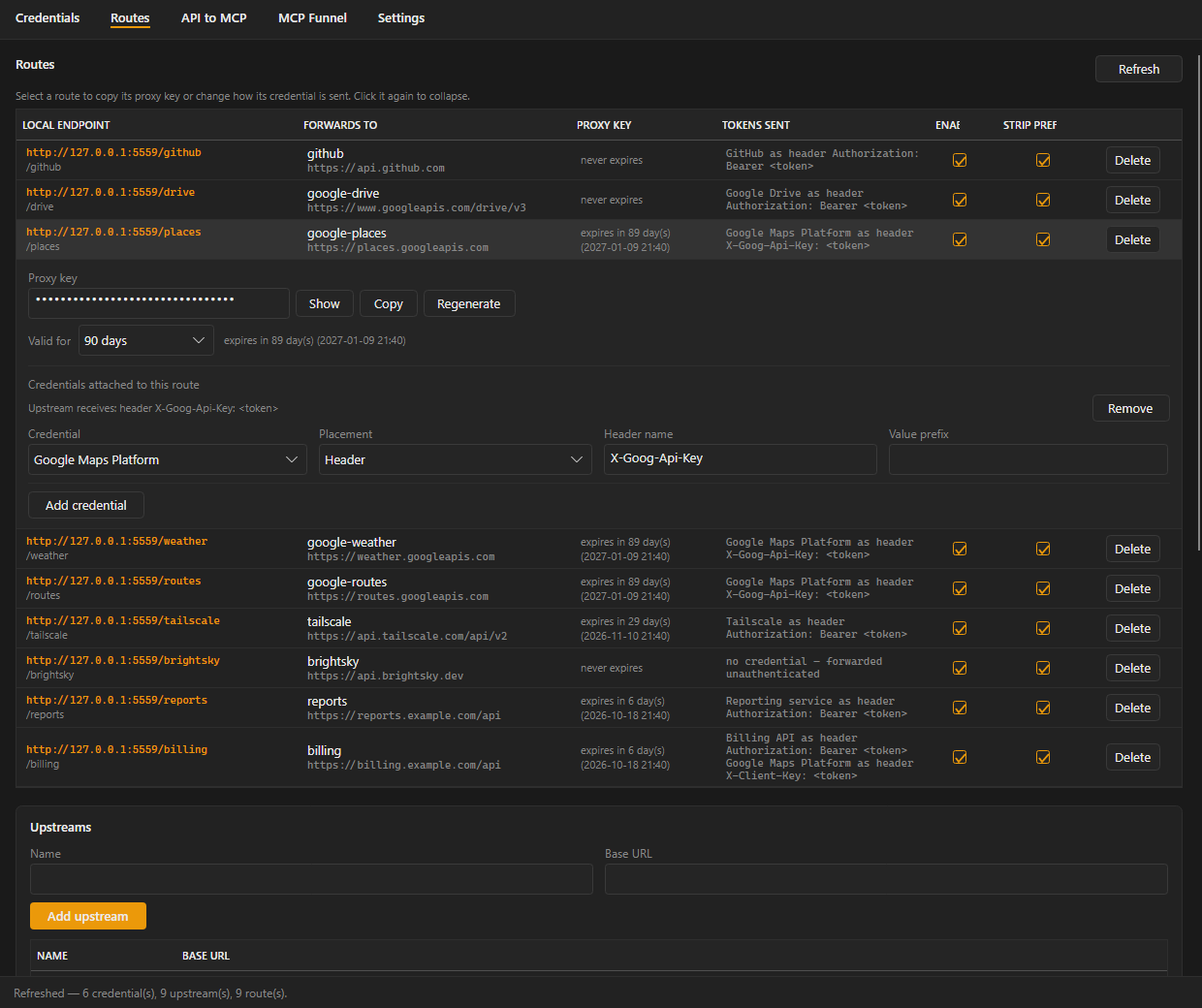
Attach a live OAuth token to every request forwarded to an upstream. Your client never handles auth. Routes →
Funnels
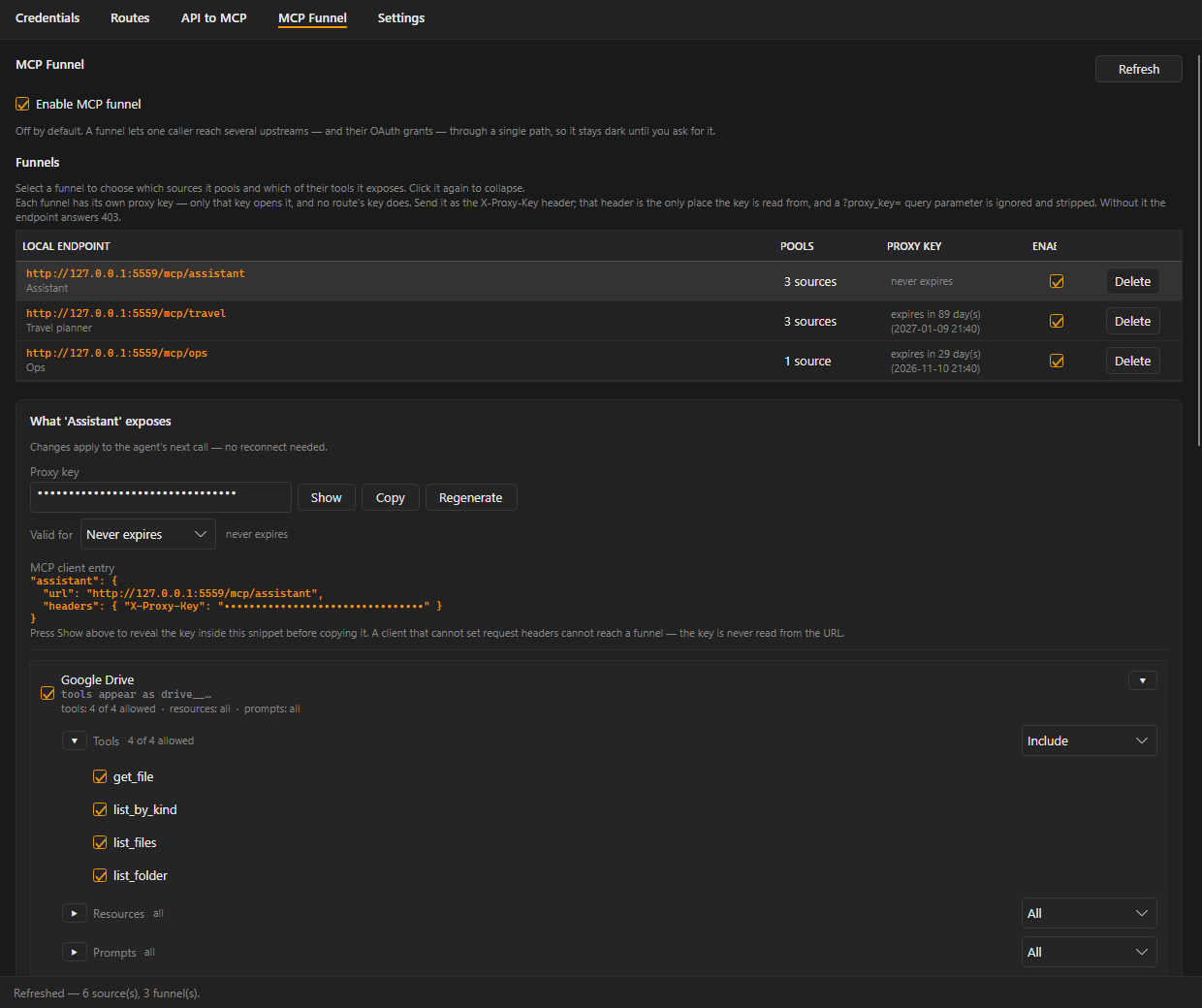
Pool several MCP servers behind one local endpoint and expose only the tools, resources and prompts you pick. MCP Funnel →
API bridges
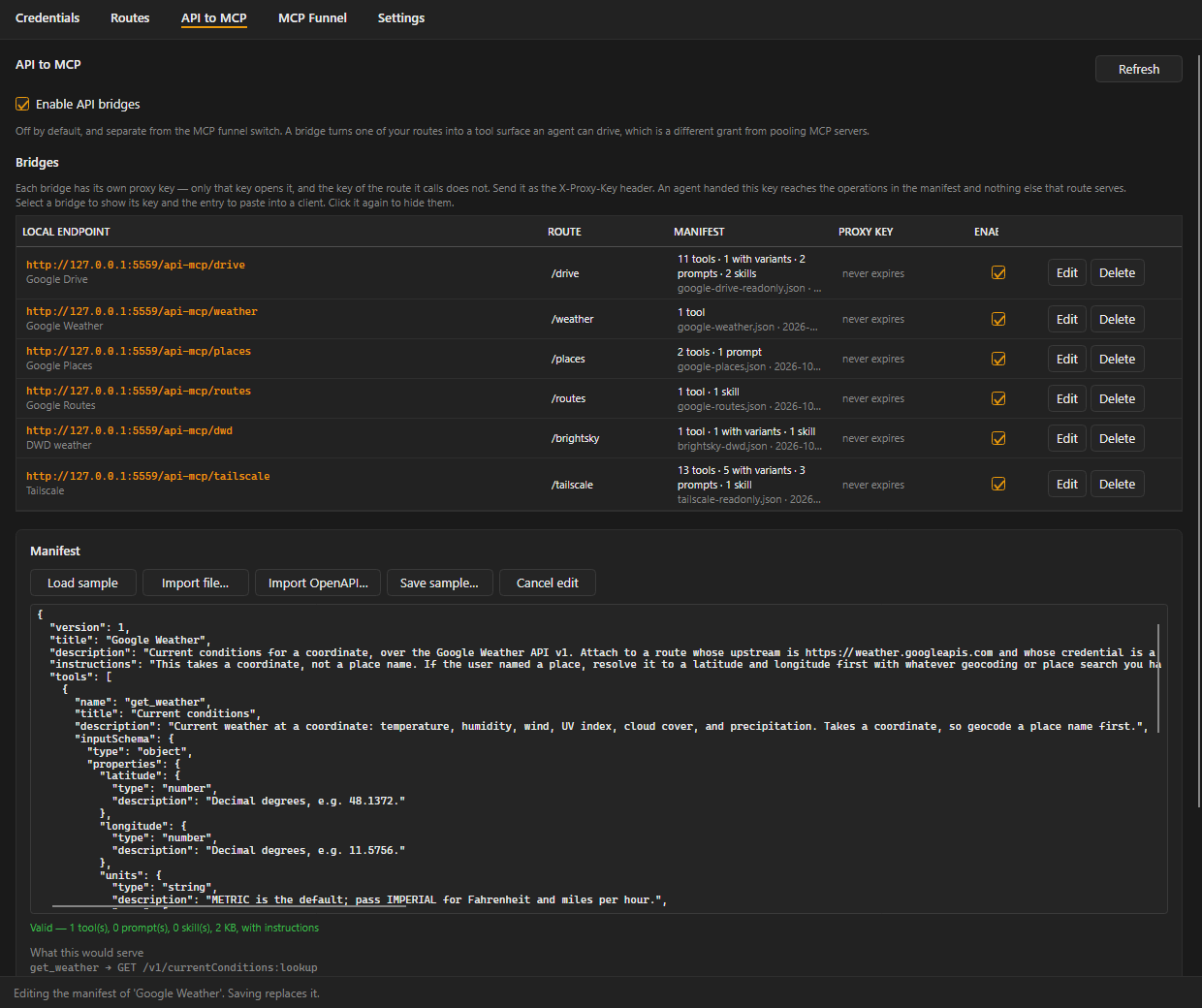
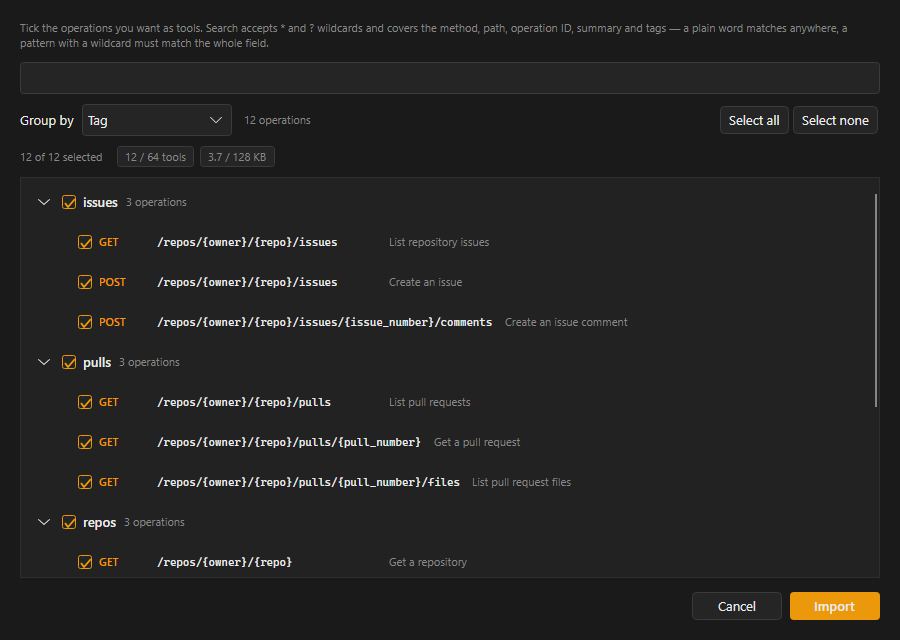
Turn an API you already proxy into an MCP endpoint of your own, from a JSON manifest or an OpenAPI document. API to MCP →
Point each agent at its own endpoint, and it sees exactly the toolset you granted it, drawn from as many upstreams as you like.
What it handles
A tray app that runs a local reverse proxy on 127.0.0.1 and owns the whole credential lifecycle.
Any OAuth2 provider
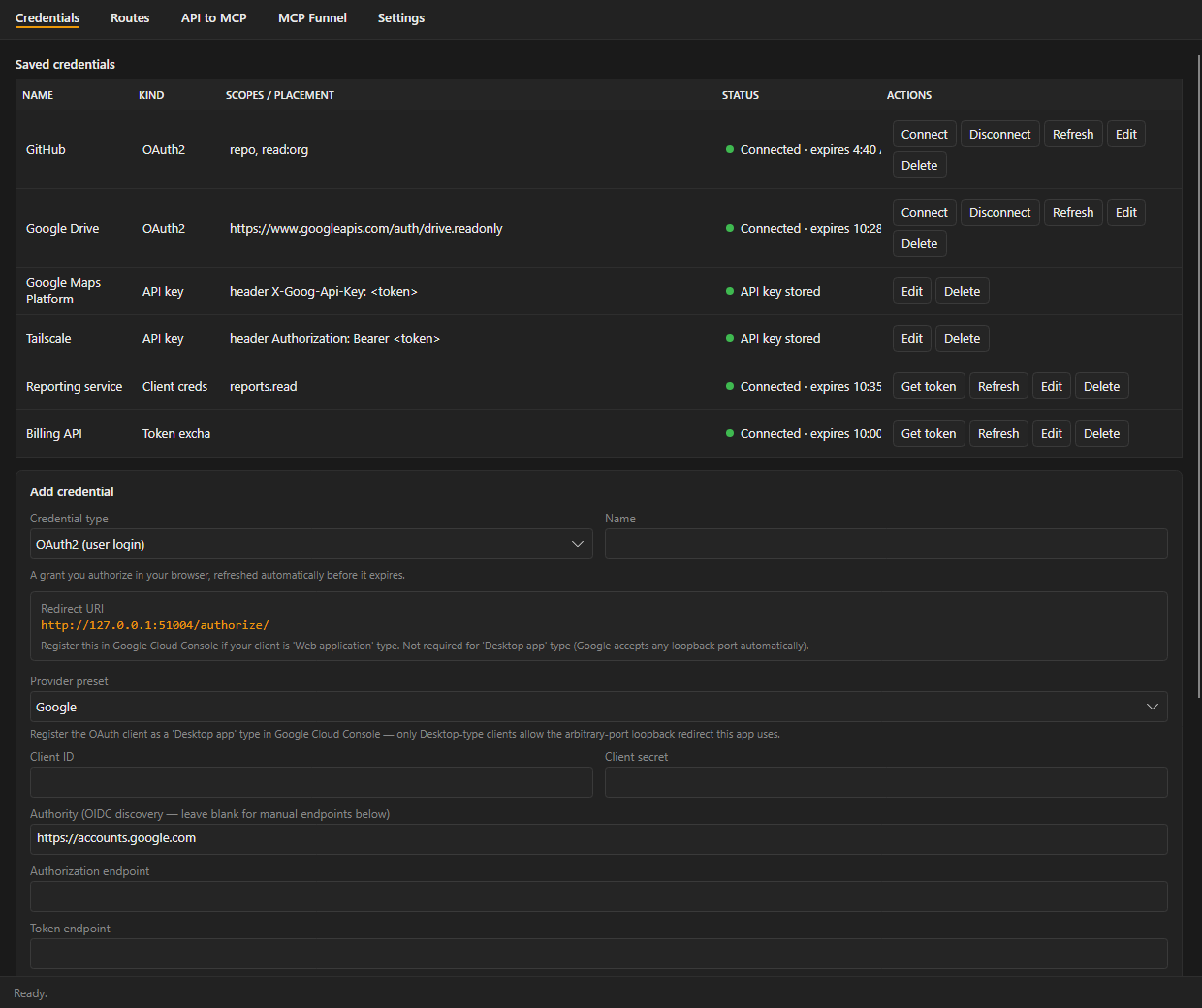
Google, GitHub, Nextcloud or a custom provider, with device code sign-in for providers that won't register a loopback callback.
App logins
Client credentials and Google service accounts mint their own tokens, so a route keeps working with nobody at the keyboard.
Automatic refresh
Tokens refresh in the background ten minutes before they expire. Static API keys are supported too.
Secrets in your vault
1Password or Proton Pass holds every secret. Nothing is written to the PC.
A key per endpoint
Every route, funnel and bridge has its own proxy key and expiry, and you can also require client certificates (mTLS).
Verifiable releases
Every installer carries a build provenance attestation you can check with
gh attestation verify.
A look inside
Install
winget and the installer give you the full app. The Store build is signed by Microsoft but leaves out two features that Store certification rejected. Why
| winget / installer | Microsoft Store | |
|---|---|---|
| Routes, funnels, API bridges, OAuth2, 1Password | Yes | Yes |
| Proton Pass vault | Yes | No |
| mTLS client certificates | Yes | No |
| Updates | winget upgrade | Automatic |