 RavensPort
Settings and diagnostics
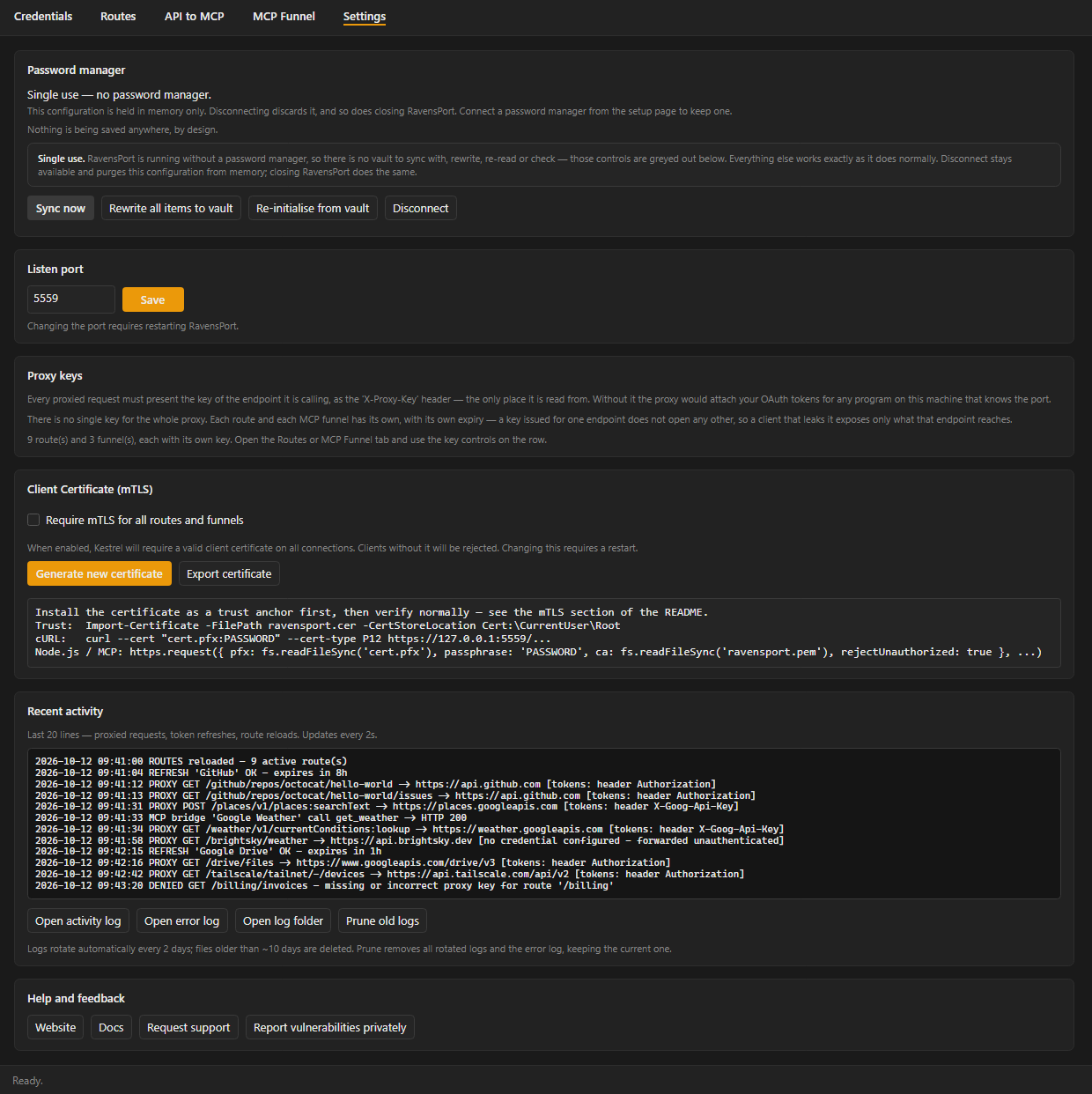
Starting at login — RavensPort has no setting for it; the Start with Windows option was
removed in 4.1.3, and the installer does not add one either. To start it at login, put a shortcut
to RavensPort in your Startup folder (Win+R, shell:startup) on Windows, or copy
/usr/share/applications/ravensport.desktop into ~/.config/autostart/ on Linux. A vault that
needs unlocking still has to be unlocked after it starts; Running unattended on the Settings
tab covers that — see Where your configuration lives.
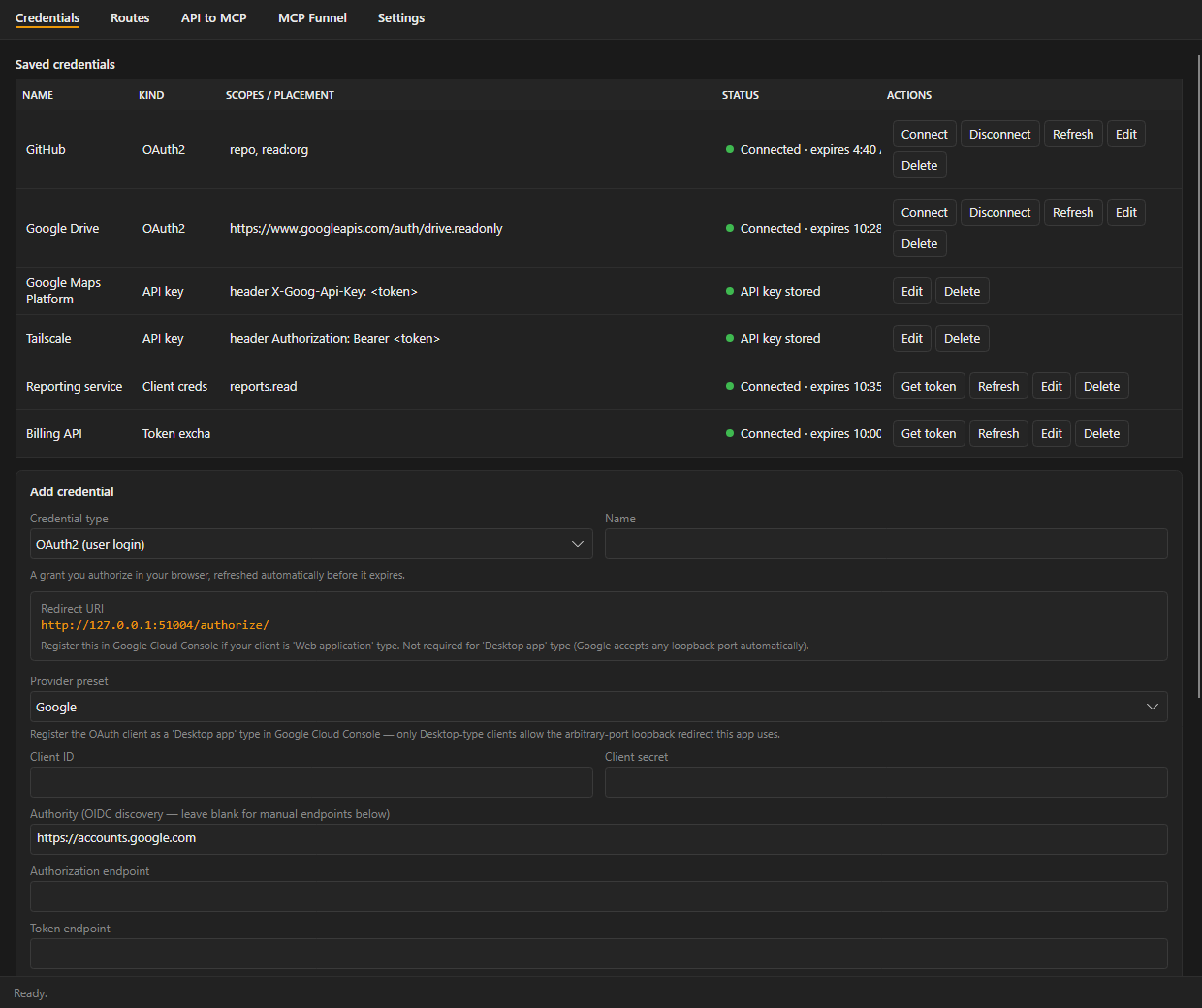
Credentials — Connect (or Get token, for an app login, which opens no browser), Refresh, Disconnect (clears the local token without revoking the grant at the provider), Test, Edit, Delete. A colored dot and expiry time refresh every 15 seconds. The token buttons are hidden for an API key, which has nothing to authorize and nothing to refresh; Disconnect is hidden for an app login, which would simply mint another token on the next request. Test appears only once a test endpoint is set.
Edit this page on the wiki Request support · Report vulnerabilities privately